How to Send a Wedding Invitation on WhatsApp (The Right Way)
Most Indian wedding invitations now reach guests on WhatsApp. Done well, it is faster, cheaper and more personal than a printed card. Here is how to do it without spamming groups or sending a 20 MB PDF nobody opens.
1. Send a link, not a heavy file
A PDF or video card has to download before guests can see it — and on a busy phone it often doesn’t. An invitation website is a link: it shows a preview card in the chat and opens instantly in the browser, with music, photos and one-tap venue directions.
2. Use broadcast lists, not big groups
A broadcast list sends your message to each guest individually, so replies come back to you privately and nobody is added to a noisy group. Create separate lists for close family, relatives, friends and colleagues so you can adjust the wording for each.
- Open WhatsApp → menu → New broadcast
- Add contacts (they must have your number saved to receive it)
- Paste your message and invitation link, then send
3. Personalise the message
A one-line personal greeting makes a forwarded invitation feel like a personal invite.
Chachaji, pranam 🙏 Arjun ki shaadi mein aap sabka intezaar rahega. Saari details is link par: [your link]
Hi Neha! We’d love to have you at our wedding 💍 Everything you need — dates, venues and RSVP — is here: [your link]
4. Get the timing right
- Save the date: 2–3 months before (more for destination weddings)
- Main invitation: 4–6 weeks before
- Reminder: 3–5 days before each function
- Elders: follow up with a phone call — it is still good manners
5. Track who is coming
Ask guests to RSVP on the invitation itself rather than in chat, so you are not scrolling through hundreds of messages to count heads for the caterer.
Templates to try
 Sikh WeddingRoyal Gate — Sikh Wedding
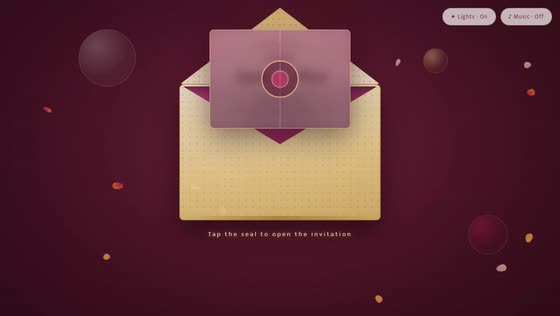 Royal WeddingEternal Bond — Royal Wedding
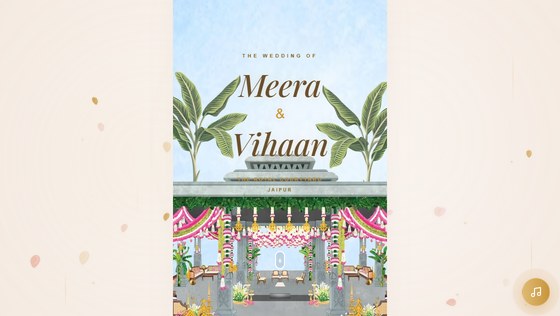 South Indian WeddingTemple Bells — Traditional Wedding
 Royal Hindu WeddingSamarpan — Royal Union
 NikahBeloved — Nikkah Invitation
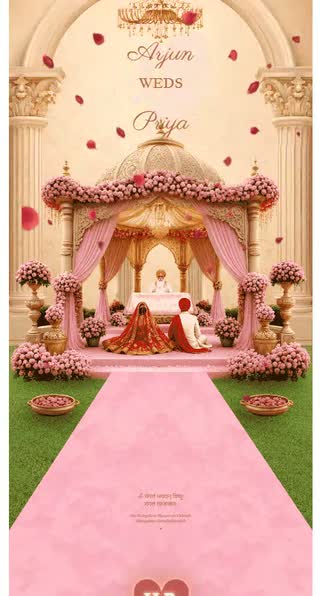 Punjabi WeddingRosewood — Punjabi Wedding
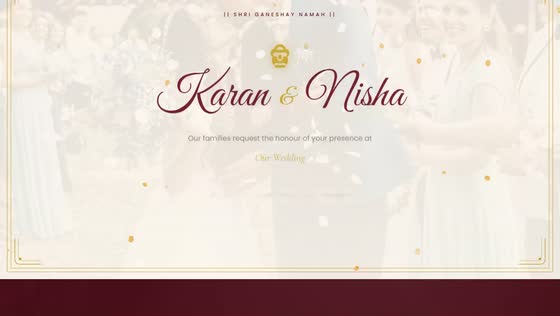 Hindu WeddingMaroon & Gold — Royal Hindu Wedding
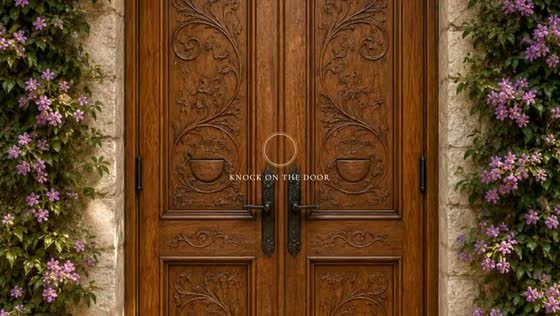 Modern WeddingDoorway — Modern Wedding
 EngagementGolden Promise
 Classic WeddingChâteau — Classic Wedding
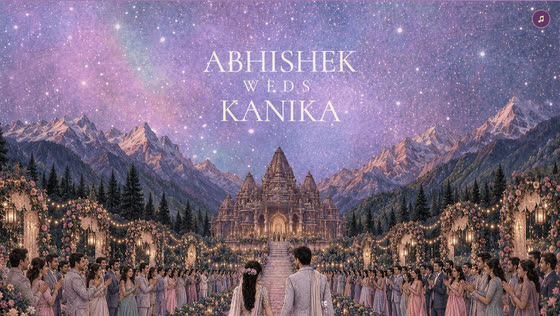 Ayodhya Royal WeddingAyodhya — Royal Wedding
 Lace Classic WeddingLace — Classic Wedding
 Embroidered GardenEmbroidered Garden — Wedding